Billing software for supermarkets and retail shops

Shop billing that keeps working when the internet doesn’t.

NamasteBill handles barcode and voice billing, GST-ready receipts, stock, customer credit and daily reports — in your browser, on your phone, or as a Windows app at the billing counter.

Questions? WhatsApp us or call +91 81508 28833

NamasteBill · POS Billing
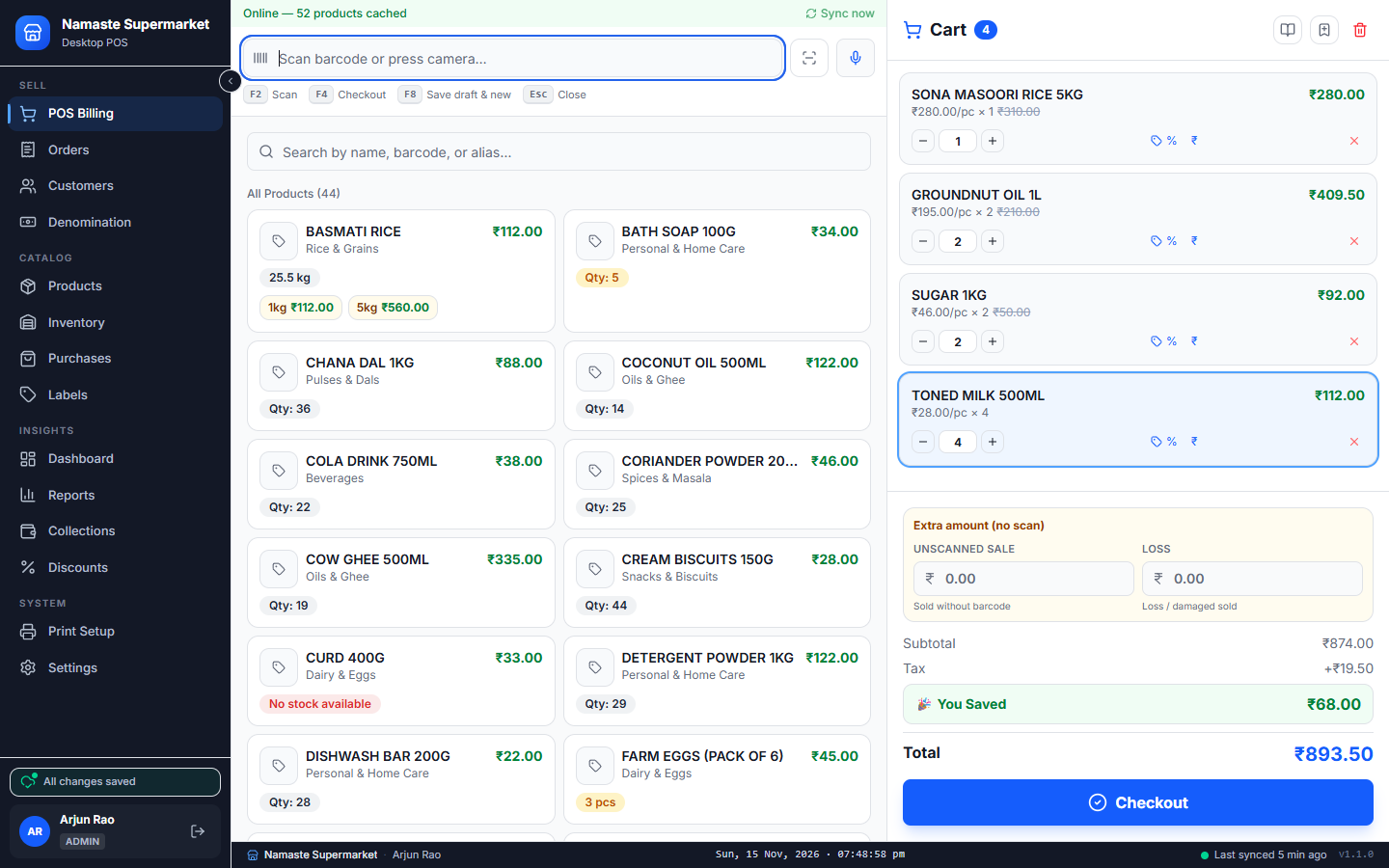
NamasteBill billing screen: product search on the left, the customer’s bill with totals on the right
  • Works without internet

    Bills are saved on the device and sent to the cloud when the connection is back.

  • Scan, search or speak

    Add items with a barcode scanner, a few typed letters, or your voice.

  • GST-ready receipts

    Tax slab per product, printed on your thermal printer.

  • Phone, tablet and PC

    One login and the same shop data on every screen.

Features

Everything the shop runs on, in one app

14 parts of NamasteBill, grouped the way the menu groups them. Every picture is the actual screen, shown with sample data.

Sell

At the counter

POS Billing

Scan a barcode or type a few letters and the item is on the bill. Take the payment, hand over the change, print the receipt.

  • USB barcode scanner or your phone camera
  • Cash, UPI, part cash + part UPI, or pay-later credit
  • Counter shortcuts: F2 scan · F4 checkout · F8 save draft
  • Loose items sold by pack size — 1 kg, 500 g, 250 g
Voice Billing

Say what the customer bought and it is added to the bill, so your hands stay free for weighing and packing.

  • Speak item names and quantities
  • Understands English and Kannada (ಕನ್ನಡ)
  • Each recognised item is listed before it goes to the cart

Orders & Returns

Every bill you have made, ready to look up, reprint or take back.

  • Find a bill by its number or the customer
  • Full or part returns — stock goes back on the shelf
  • Reprint any receipt exactly as it was billed

Customers & Credit

A simple khata for every regular customer, tied to their phone number.

  • Look up a customer by name or phone
  • Running credit balance for each customer
  • Collect dues in cash or UPI and keep the history

Cash Denomination

Count the drawer at closing time without reaching for a calculator.

  • Enter how many of each note and coin
  • The cash total adds up as you type

Catalog

Products and stock

Products

Prices, tax and barcodes for the whole shop in one list.

  • Categories, MRP, selling price and GST slab per item
  • Bulk bags split into packs that share one stock
  • Barcodes generated for items that come without one
  • Add items quickly from a ready-made product catalogue

Inventory & Purchases

See what is running out, and what is not moving, before it costs you money.

  • Low-stock and out-of-stock alerts
  • Fast-moving, slow-moving and dead stock at a glance
  • Reorder suggestions based on your sales
  • Supplier purchases add stock as goods arrive

Barcode Labels

Print your own price and barcode stickers on a label roll.

  • Pick products and how many labels each one needs
  • Ready sizes for rolls and sheets, such as 50 × 25 mm
  • See the labels before you print them

Insights

Know your numbers

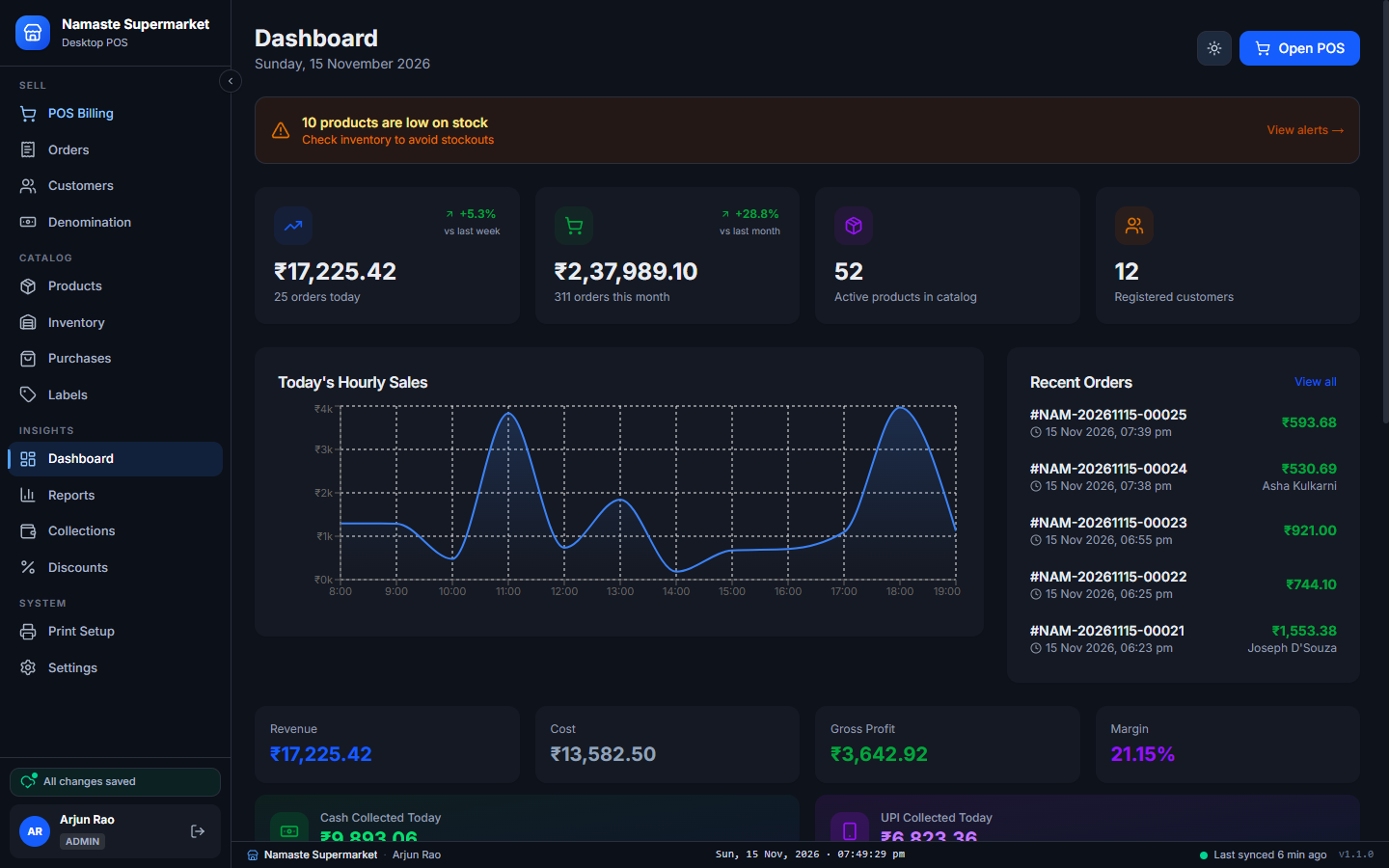
Dashboard

Open the app and see how the day is going.

  • Today’s sales, bills, profit and margin
  • Hour-by-hour sales chart and the latest bills
  • Cash and UPI collected today
  • A reminder when products are running low

Reports & Profit

Sales, expenses and investments in one place, down to profit and loss.

  • Daily and monthly sales reports
  • Record shop expenses and investments
  • Profit & loss statement

Daily Collections

A day-by-day record of the money that came in and went out.

  • Cash and UPI collected each day
  • Purchases and other amounts noted alongside
  • Remarks for anything unusual

Discounts & Coupons

Run offers without doing the maths at the counter.

  • Percentage or flat-amount discounts
  • Coupon codes with a maximum discount and start and end dates
  • Checked and applied at checkout

System

Set up once

Receipt & Label Printing

Choose your receipt and label printers once. After that, printing just happens.

  • Thermal receipts on 80, 72 or 58 mm paper — or A4 / A5
  • Separate default printers for receipts and labels
  • Silent printing from the Windows app, no print dialog

Staff, Roles & Backup

Give each person their own login and only the screens they need.

  • Admin, Manager and Cashier roles
  • Shop details, GST and receipt footer
  • Download a backup of your data

Phone, tablet, PC

One login. Any screen.

The app arranges itself for the screen it is opened on. The owner can check today’s sales on a phone while the cashier bills on the counter PC.

  • In the browser

    Nothing to install. Open the site, log in and start billing.

  • On a phone or tablet

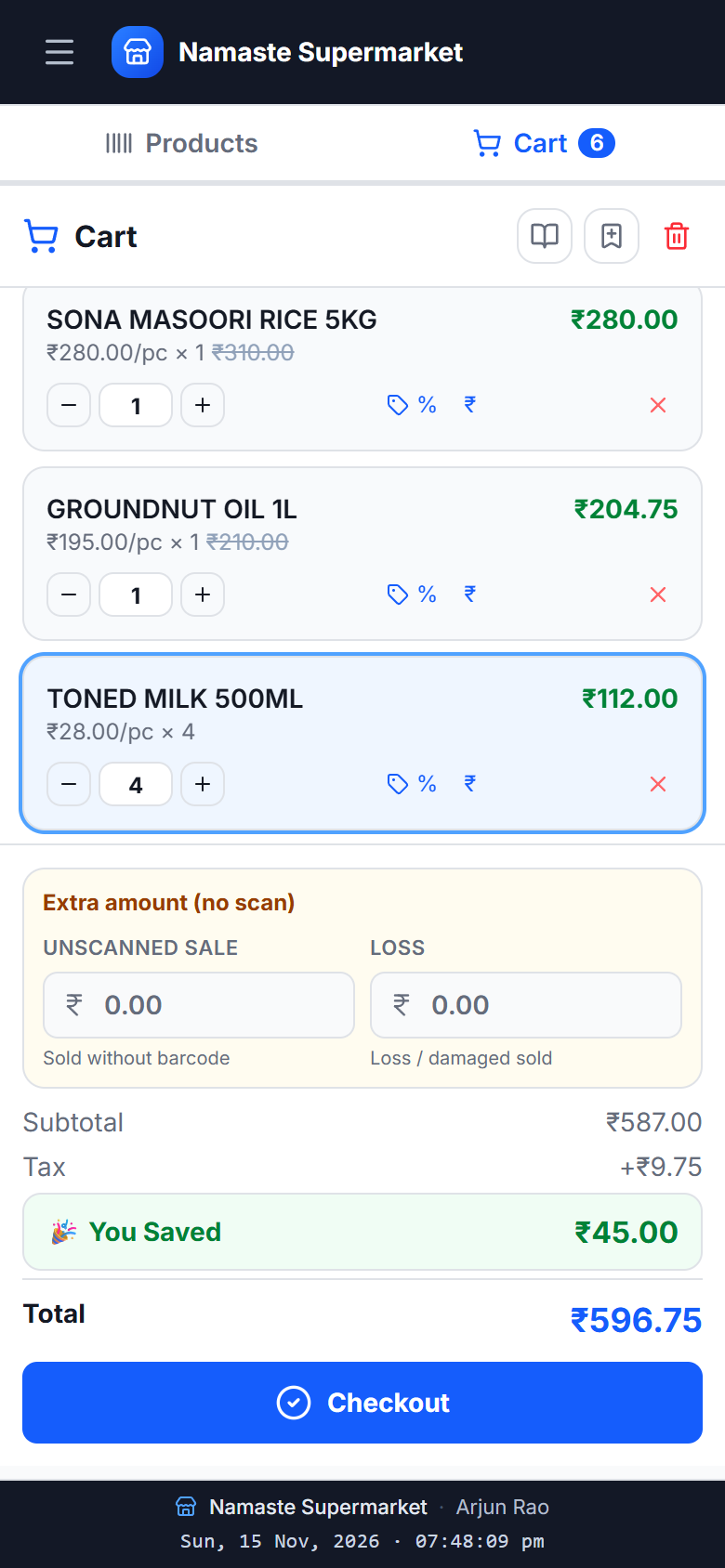
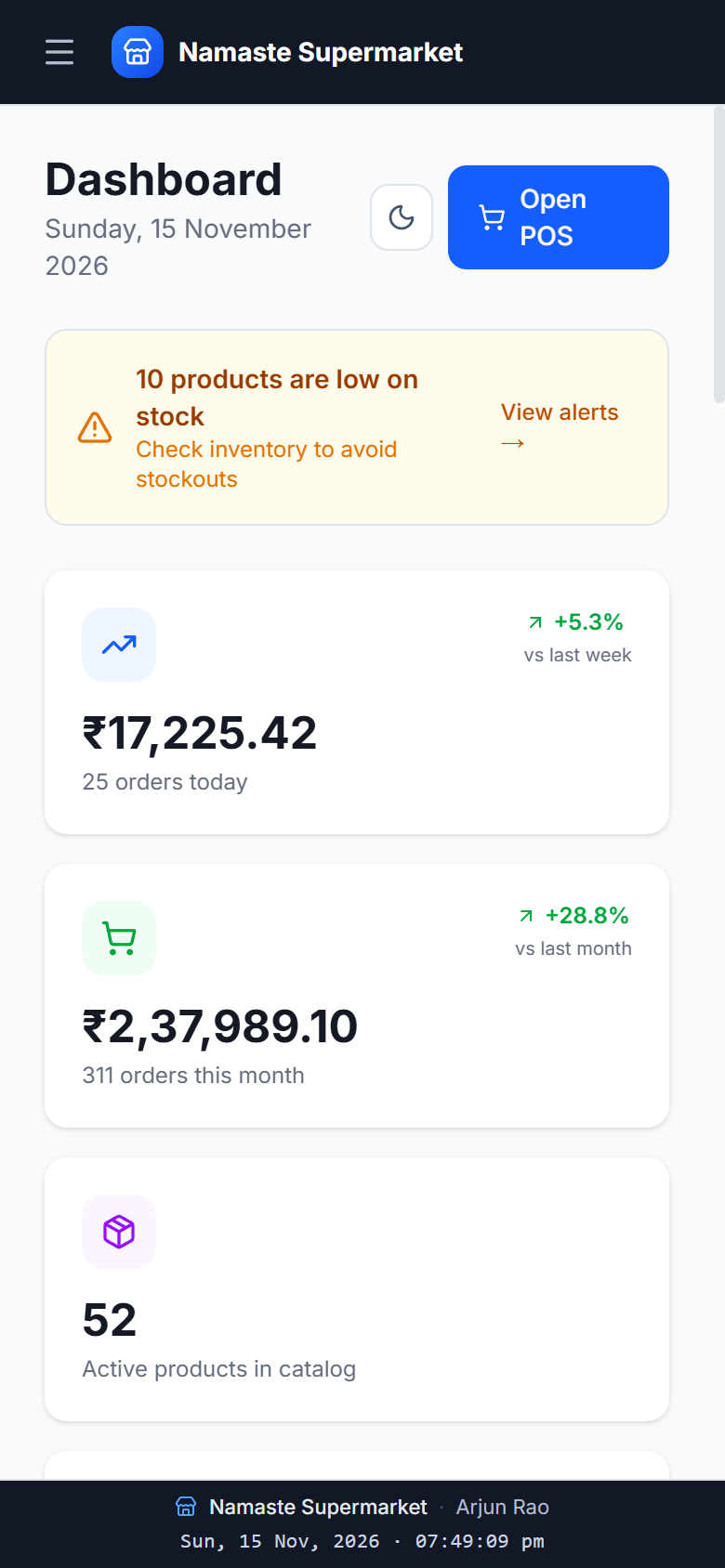
    Add it to the home screen and it opens like an app. The bill, the product list and the reports all fit the small screen.

  • On the billing PC

    Install the Windows app at the counter. It keeps billing when the internet is down.

Billing screen on a phone
Sales dashboard on a phone

Windows desktop app

NamasteBill for Windows

The same app, installed on the billing PC. It keeps a copy of your shop on the computer, so billing carries on when the internet drops or slows down, and catches up by itself afterwards.

  • Bills, products and customers are stored on the PC, so the counter never waits for the network
  • Everything syncs with your online account in the background when the PC is connected
  • Sign-in works without internet after the first login
  • Receipts and barcode labels print straight to your printer, with no print dialog
  • New versions install from inside the app
Download for Windows (.exe)

Version 1.1.0 · 116 MB · Windows 10 / 11 (64-bit)

  1. STEP 1

    Download the installer

    A single setup file (.exe) for Windows.

  2. STEP 2

    Run it

    If Windows shows “Windows protected your PC”, choose More info, then Run anyway.

  3. STEP 3

    Sign in

    Use your NamasteBill email and password. No account yet? Send us an enquiry below.

NamasteBill · Dashboard
NamasteBill desktop app showing the sales dashboard in dark mode

Enquiry

Ask for a demo or a price

Tell us a little about your shop and send it to us on WhatsApp. Prefer to talk? Call us.

Call +91 81508 28833

WhatsApp opens with your enquiry already written. Press Send there to deliver it.

Your enquiry, as it will be sent